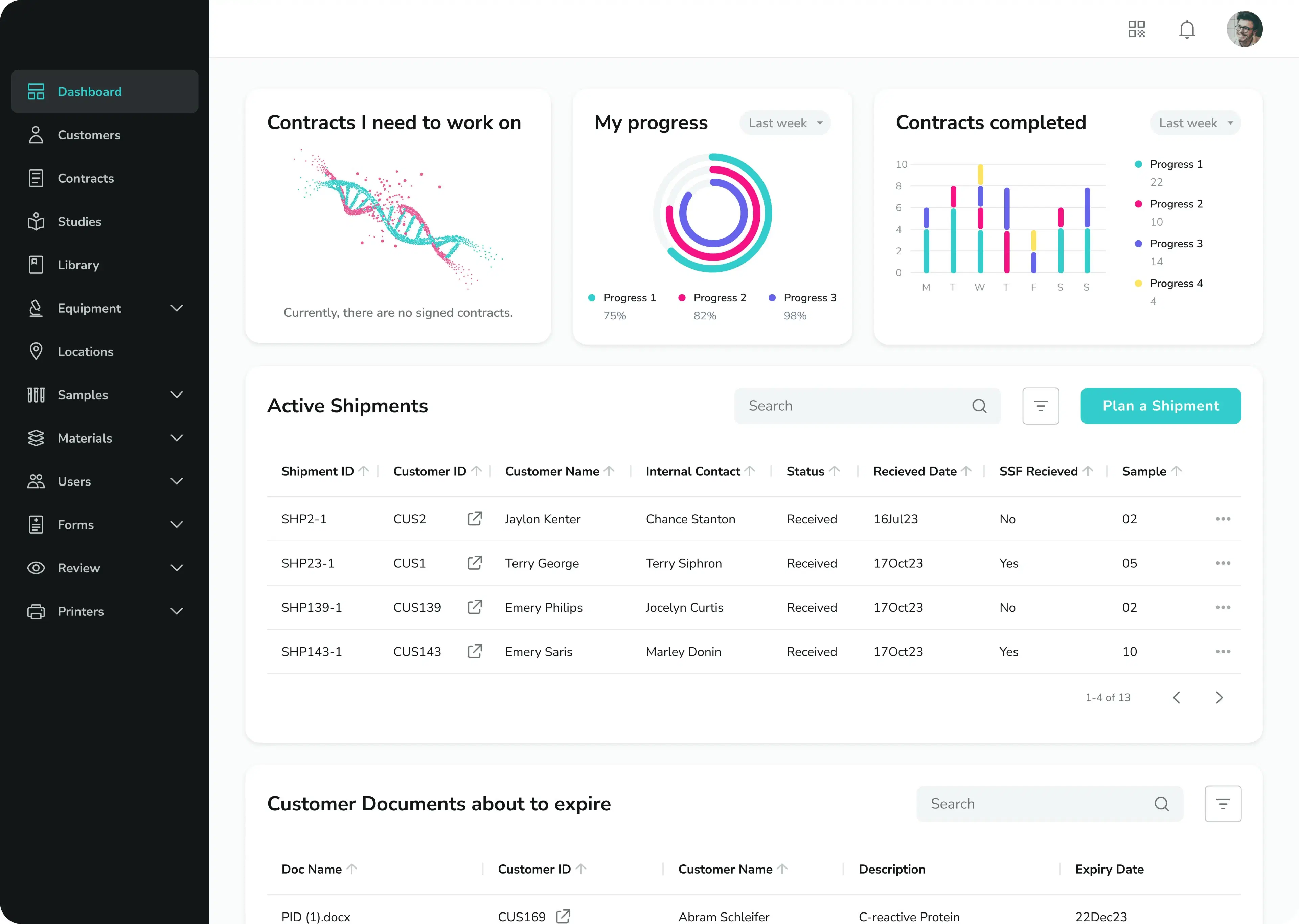


Tiny fonts, endless dropdowns and rigid workflows everything down. Instead of focusing on research, lab teams wate hours navigating outdated and fragmented systems.
Many Laboratory Information Management Systems (LIMS), Electronic Lab Notebooks (ELN) and related tools prioritise features over usability. But what good is a powerful platform if it frustrates scientists and slows down the lab work?
Poor UX is not just annoying - it is expensive.
Why UX in LIMS Matters More Than You Think
Laboratory software tools are essential to modern organisations. They help to manage samples, track studies and ensure regulatory compliance. Yet despite their central role, many systems feel like they were designed for administrators - not scientists.
When interfaces are confusing or inconsistent:
- Adoption drops
- Errors increase
- Productivity suffers
"A powerful system is only as good as its usability"
Good UX is not a bonus feature - it is a fundamental requirement for scientific software.
The Pitfalls of Traditional LIMS Interfaces
Common issues found in legacy systems
- Overcomplicated navigation: too many layers, hidden features or non-intuitive menus
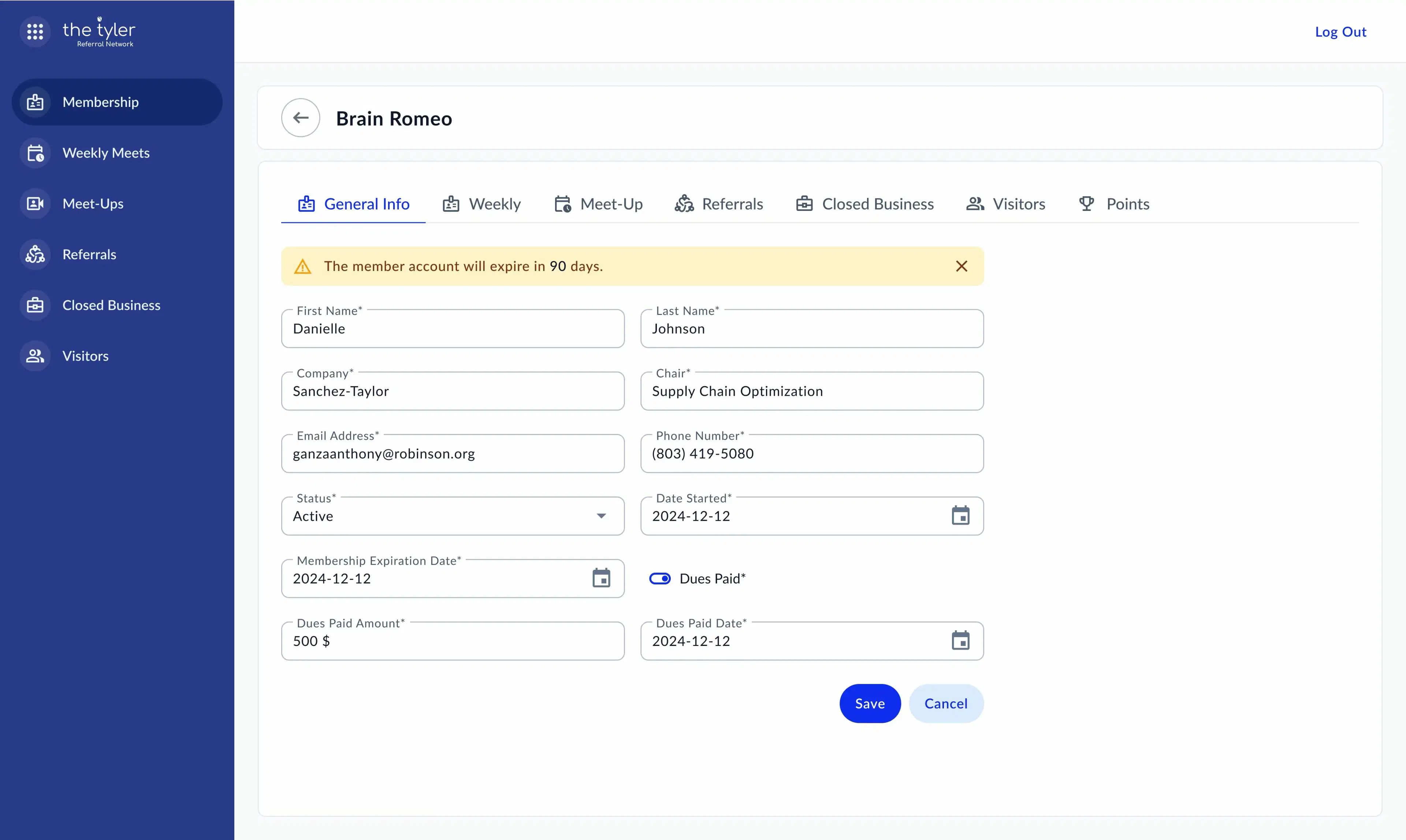
- Form overload: endless input fields with poor grouping or no smart defaults
- Poor feedback: no clear confirmation of success or failure after action
- Inconsistent terminology: language that does not reflect how scientists actually work
In usability tests, scientists often wate 30% or more of their time trying to find the right screen or data.
What Scientists Actually Need from LIMS
UX wish list from the Bench:
- Clarity over complexity: focused on essential tasks with clear navigation
- Speed and responsiveness: no one wants to wait 5 seconds for a dropdown
- Contextual help: tooltips, inline guides and meaningful defaults
- Mobile & tablet friendly: usability beyond the desktop
- Role-based customisation: interfaces should match actual lab roles and workflows
Important to watch real users in real settings. The best feedback doesn’t come from surveys - it comes from observation.
Designing with Scientists in Mind
A human-centered design approach
To fix bad UX in LIMS or ELN, you need to start with scientists - not with features. Human-centered design (HCD) is about understanding user needs and constraints, and building interfaces that support them.
Key steps in HCD for lab software:
- Discovery interviews: talk to lab staff, not just managers
- Usability audits: review existing pain points
- Rapid prototyping: use wireframes and clickable demos early
- Iterative testing: test, refine, repeat - with real users
- Device flexibility: ensure access and usability across devices
Human-centered design is a process that keeps users’ needs, behaviors and limitations at the core of every design decision.
From Clunky to Clean: The Impact of Great UX
A mid-size CRO we worked with reduced sample registration after introducing a streamlined interface tailored to lab actual workflows.
They didn’t need more features - they needed fewer clicks, clearer screens and faster responses.
The takeaway? Good design should drive performance.
Scientific research is complex and software shouldn’t make it harder.
If you want to improve data quality and accelerate results, start by designing tools that scientists actually enjoy using.